Not built from typing doctrine. Built from what actually worked.
Learn to touch type by feel, not by fighting the screen.
Learn touch typing by practicing simple English phrases, with optional translation support in your language.
Only at TypekTouch.com, where reality takes a coffee break and chaos runs the front desk. ☕🤖
Learning English? Choose an explainer page:
These pages explain TypekTouch in your language for people who want to practise English by typing. The typing target still stays English.
Simple, high-contrast typing practice built from real use.
Paste text, pick your place, and hear it read back in clear chunks.
Challenge your reflexes, beat your best speed, and clear the falling words.
Same chaos. More excuses. Extra nonsense for when serious practice needs a break.
What do you think?
Download below ☕ Support the creator, support the project
The tool is free on this site. This download is just for those who want to support or keep it offline.
🔍 #1: Turn on Magnifier (Windows)
Hold the Windows key, then tap + (plus key) to zoom in. Use Windows + - to zoom out.
🗣️ #2: Use Narrator (built-in screen reader)
Press Ctrl + Windows + Enter to start Narrator. It helps guide users by reading out what’s on the screen.
Maybe someone is stuck like I was.
“Don’t be afraid. Keep trying.”
This tool was built by someone who couldn’t properly see the keyboard or the screen, but didn’t stop trying.
It really started after I partially lost my vision. I was stuck. I couldn’t navigate a keyboard normally, and I couldn’t see much unless I zoomed in heavily or used a phone camera as a magnifier.
If I was going to live like that, I couldn’t stay trapped doing one-finger typing while holding a phone. I had to figure something out.
I borrowed a laptop, turned on Narrator, opened Word, and started from scratch — pressing random keys and listening. Very slowly, my fingers started to remember.
The important part was not perfection. It was control. Learning spacebar, enter, delete, and how to move around without panic. Letters, numbers, and punctuation came later.
At first I could barely form words. But I wasn’t in a race — I was rebuilding something.
Week by week, it got better. Later came simple tools, then WPM tracking, then the proper typing tool, and TTGame. What began as necessity slowly turned into something useful.
If standard typing sites feel cluttered, rigid, or hard on the eyes, maybe this will help you too.
notsure
💬 If you have questions, contact me on @WonderEveryday8 or leave a comment.
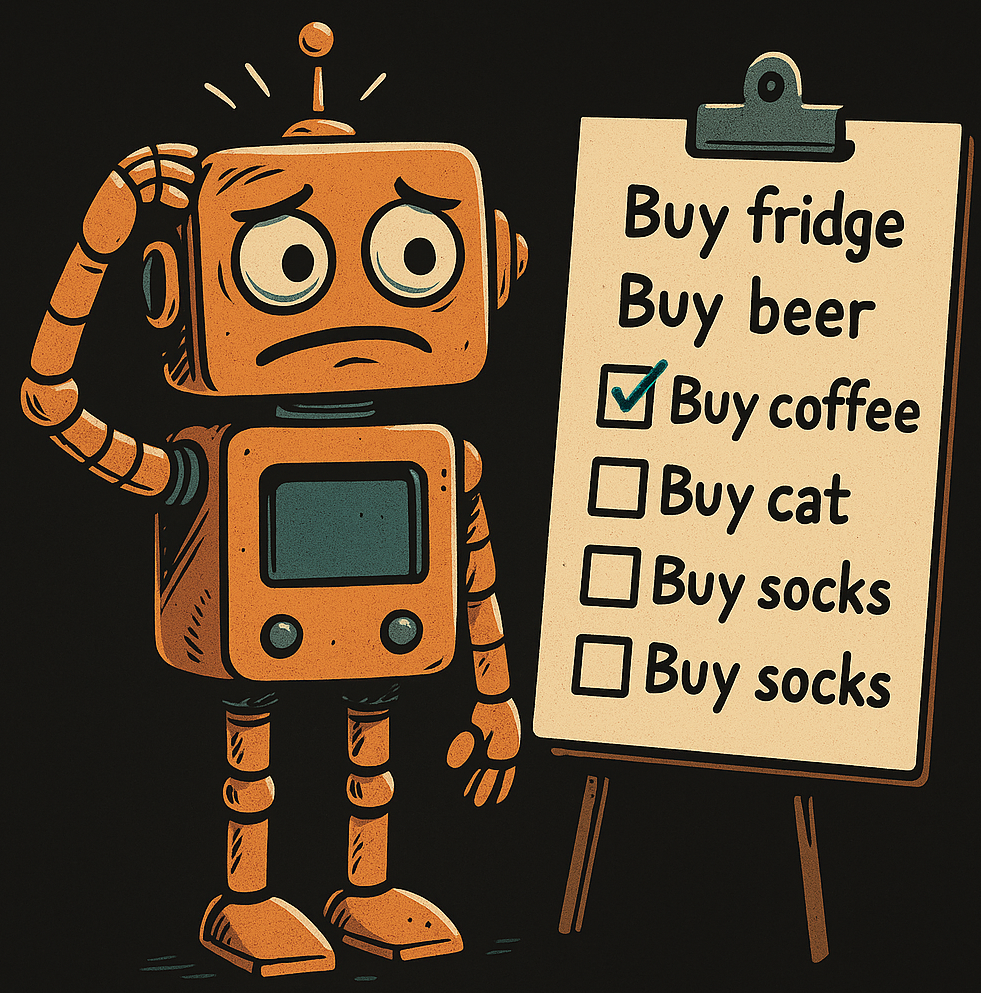
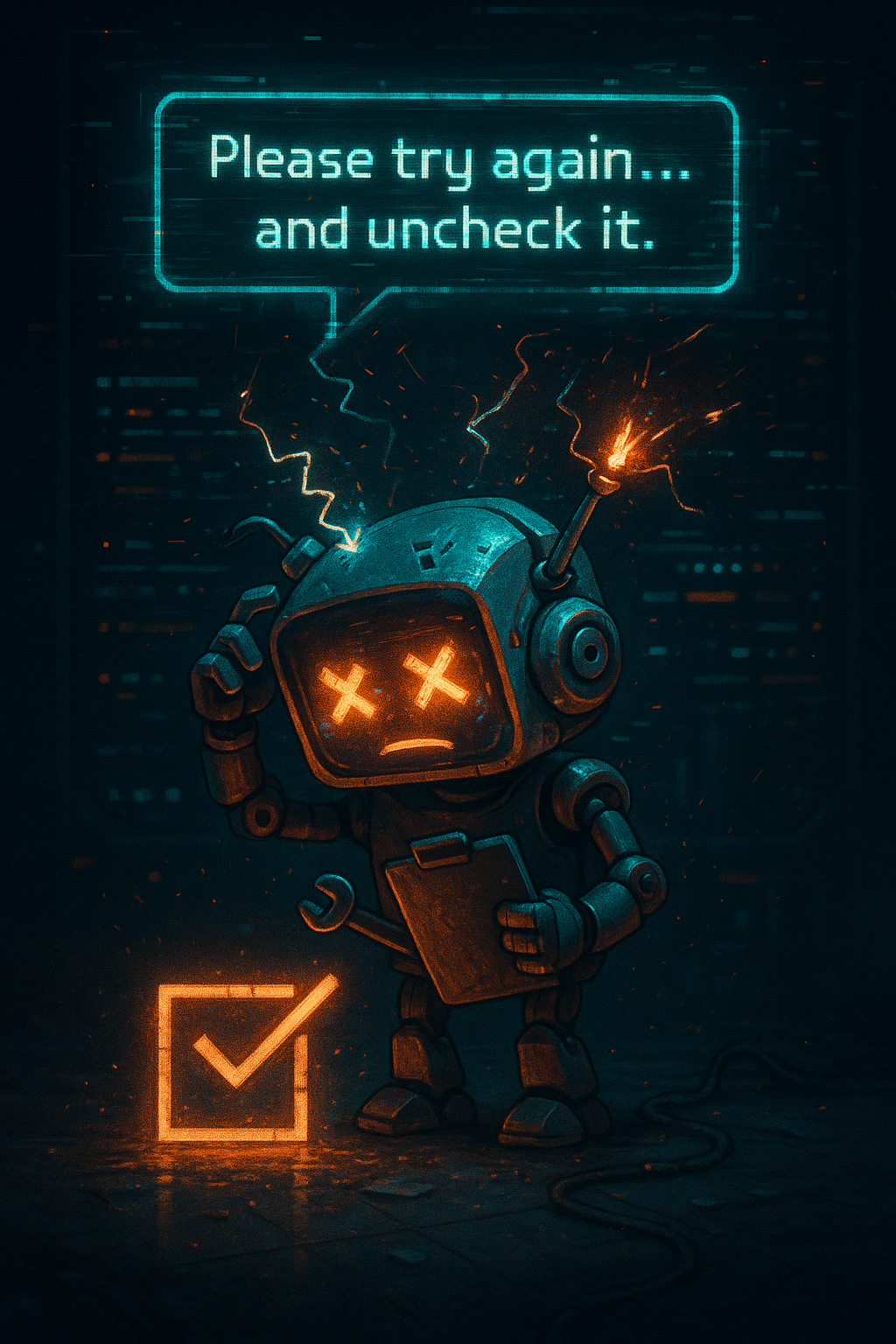
"Prove you’re a bot" – Confusor-624
You are now browsing this site
and somehow at home doing nothing.
Coffee may or may not have been made.
“If no one clicks the button… did the page even load?”